import os
import re
import tkinter as tk
from tkinter import *
from tkinter import messagebox
from tkinterweb import HtmlFrame  # Used to render HTML & connect buttons
import pymysql
from PIL import Image, ImageTk

# =====================================================================
# 1. DATABASE & VALIDATION UTILITIES (FROM YOUR CODE 2)
# =====================================================================
def connect_db():
    try:
        conn = pymysql.connect(
            host="localhost",
            user="root",
            password="admin@123###",
            database="login",
            port=3306,
            connect_timeout=1
        )
        return conn
    except Exception as e:
        print(f"Database Connection Error: {e}")
        return None

def valid_password(password):
    if (len(password) >= 6 and
        re.search(r"[A-Z]", password) and
        re.search(r"[a-z]", password) and
        re.search(r"[0-9]", password)):
        return True
    return False

# =====================================================================
# 2. TKINTER LOGIN WINDOW MANAGER (FROM YOUR CODE 2)
# =====================================================================
class LoginForm:
    def __init__(self, window):
        self.window = window
        self.show_password = False
        self.window.title("Login")
        self.window.state("zoomed")
        self.window.resizable(0, 0)

        width = self.window.winfo_screenwidth()
        height = self.window.winfo_screenheight()

        # Safely handle background image loading
        try:
            self.bg_image = Image.open(r"c:\Users\Developer\Downloads\downloadbg.jpg")
            self.bg_image = self.bg_image.resize((width, height), Image.LANCZOS)
            self.bg_photo = ImageTk.PhotoImage(self.bg_image)
            self.bg_label = Label(self.window, image=self.bg_photo)
            self.bg_label.place(x=0, y=0, relwidth=1, relheight=1)
        except Exception:
            # Fallback if image path is missing
            self.window.config(bg="#1c1c1c")

        # Login Frame UI
        self.lgn_frame = Frame(self.window, bg="#040405", width=950, height=600)
        self.lgn_frame.place(x=200, y=70)

        self.heading = Label(self.lgn_frame, text="WELCOME", font=("Times New Roman", 30, "bold"), bg="#040405", fg="white")
        self.heading.place(x=300, y=30)

        try:
            self.side_image = Image.open(r"c:\Users\Developer\Downloads\download (1).jpg")
            self.side_image = self.side_image.resize((450, 450), Image.LANCZOS)
            self.side_photo = ImageTk.PhotoImage(self.side_image)
            self.side_label = Label(self.lgn_frame, image=self.side_photo, bg="#040405")
            self.side_label.place(x=5, y=120)
        except Exception:
            pass

        self.signin_label = Label(self.lgn_frame, text="SIGN IN", font=("Times New Roman", 18, "bold"), bg="#040405", fg="white")
        self.signin_label.place(x=640, y=120)

        self.username_label = Label(self.lgn_frame, text="Email", bg="#040405", fg="#4f4e4d", font=("Times New Roman", 13, "bold"))
        self.username_label.place(x=550, y=200)

        self.username_entry = Entry(self.lgn_frame, bg="lightgray", fg="#6b6a69", relief=FLAT, font=("Times New Roman", 12, "bold"))
        self.username_entry.place(x=550, y=235, width=270, height=30)

        self.password_label = Label(self.lgn_frame, text="Password", bg="#040405", fg="#4f4e4d", font=("Times New Roman", 13, "bold"))
        self.password_label.place(x=550, y=300)

        self.password_entry = Entry(self.lgn_frame, show="*", bg="lightgray", fg="#6b6a69", relief=FLAT, font=("Times New Roman", 12, "bold"))
        self.password_entry.place(x=550, y=335, width=270, height=30)

# =====================================================================
# 3. INTERACTIVE WEB WRAPPER ACTION
# =====================================================================
def open_login_window():
    """Triggers when the HTML button is pressed. Launches the Tkinter login UI."""
    login_window = tk.Toplevel(root) # Opens a clean top window overlaying our site
    LoginForm(login_window)

# Initialize main window layout container
root = tk.Tk()
root.title("Power Fitness Club Desktop Application")
root.state("zoomed")

# Initialize embedded web container window frame
web_frame = HtmlFrame(root)
web_frame.pack(fill="both", expand=True)

# Register the Python function so HTML/JS can see it
web_frame.register_python_function("trigger_login_window", open_login_window)

# Modified HTML code containing custom trigger attached to the Login button
html_code = """
<!DOCTYPE html>
<html>
<head>
    <title>Power Fitness Club</title>
    <link rel="stylesheet" href="https://cdnjs.cloudflare.com/ajax/libs/font-awesome/6.5.1/css/all.min.css">
</head>
<body bgcolor="black" text="white">
    <div style="display:flex; align-items:center; padding: 10px;">
       <h1 style="font-size: 20px; margin-right: auto;">POWER FITNESS CLUB</h1>
       <div style="text-align: right;">
           <!-- Modified target: button now triggers Python function directly -->
           <button type="button" onclick="trigger_login_window()" style="margin-right: 25px; padding: 5px 15px; cursor: pointer;">Login</button>
           <button type="button" style="margin-right: 70px; padding: 5px 15px;">Sign Up</button>
       </div>
    </div>   

    <center>
        <h1>POWER FITNESS CLUB</h1>
        <h3>Your Health, Our Mission</h3>
    </center>
    <hr color="red">
    <table width="100%">
        <tr>
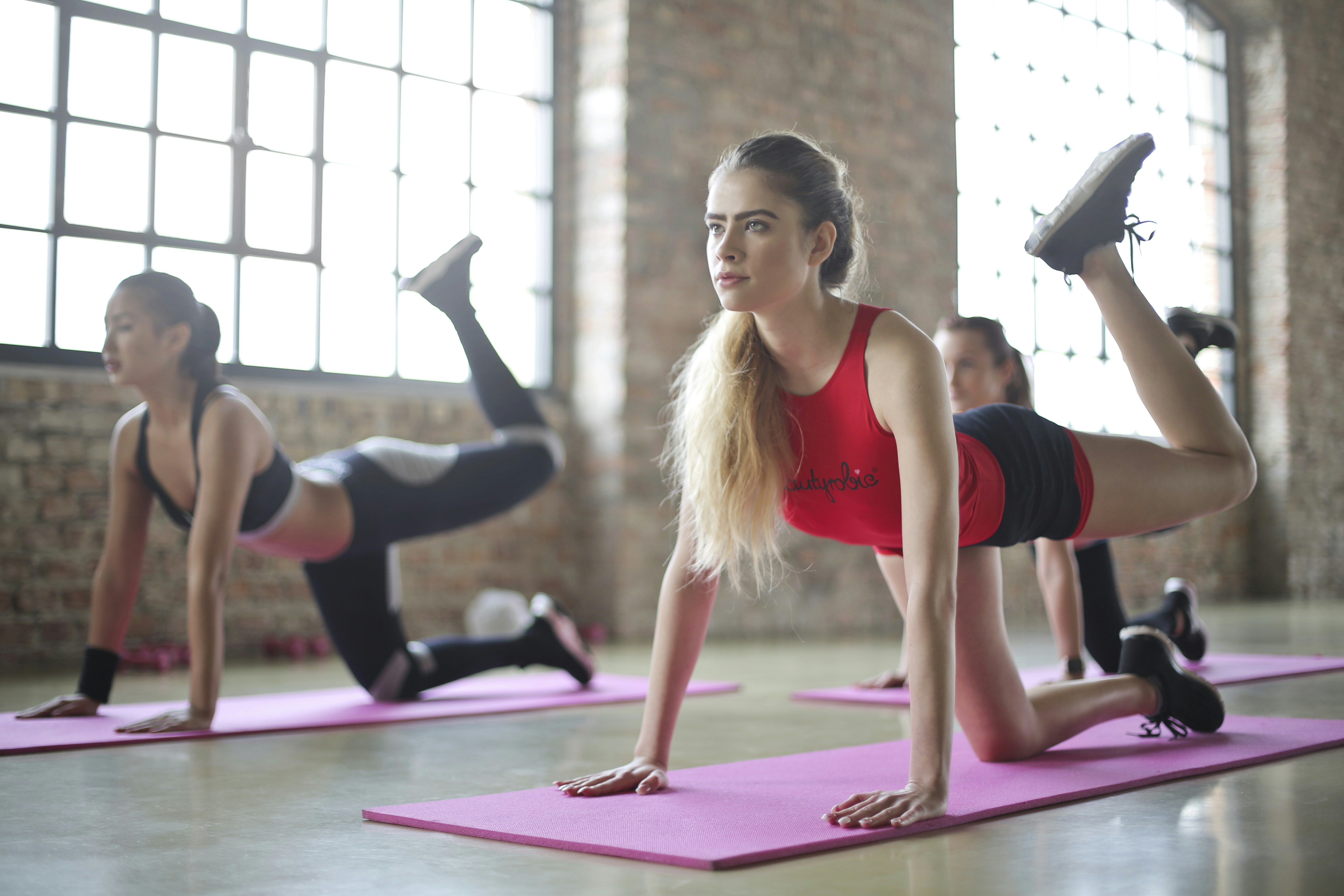
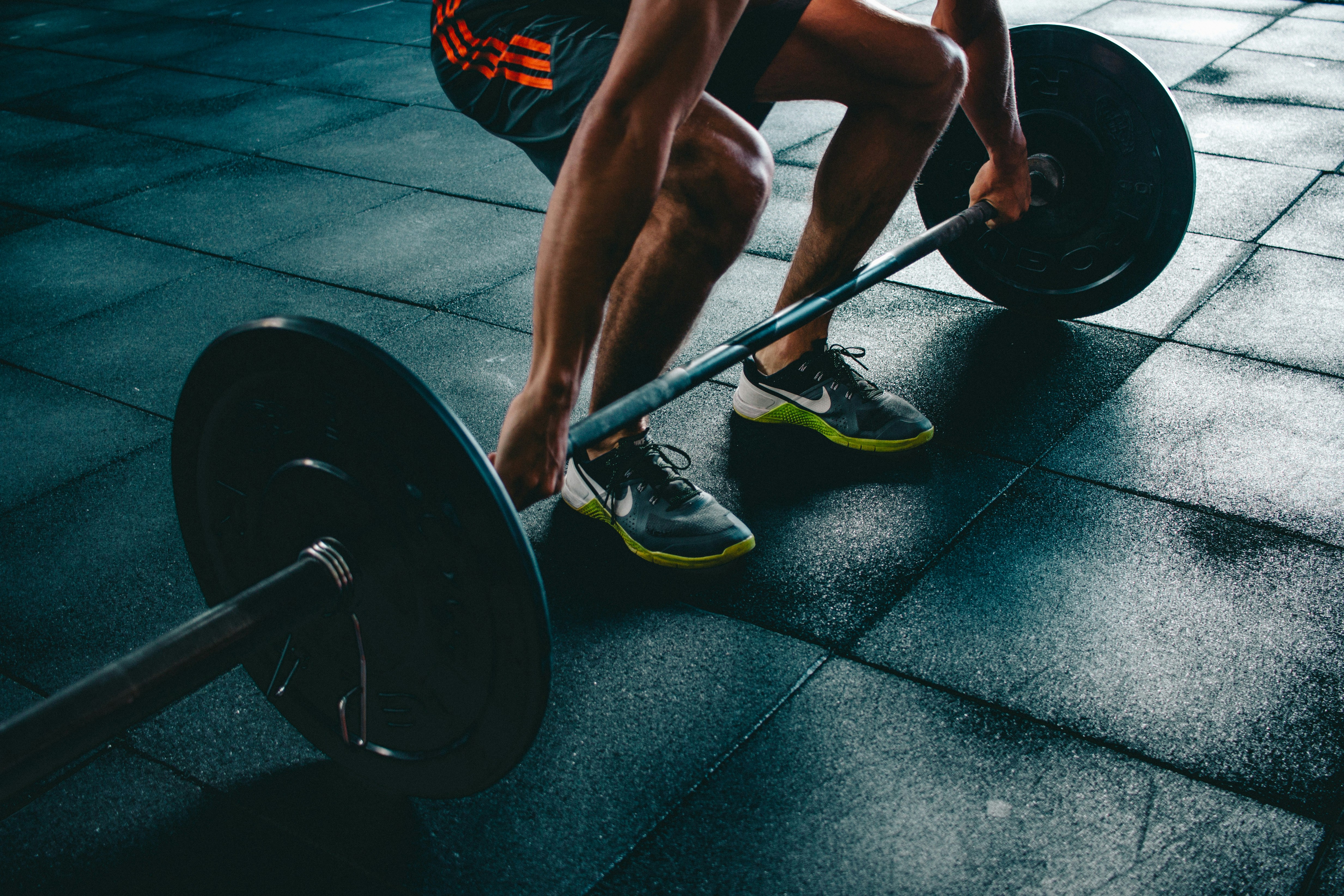
            <td><img src="https://images.unsplash.com/photo-1517836357463-d25dfeac3438" width="600" height="350"></td>
            <td>
                <h2>About Our Gym</h2>
                <p>Welcome to Power Fitness Club. We provide professional fitness training including Yoga, Zumba, Cardio, and Weight Training.</p>
                <p>Join today and transform your body and lifestyle.</p>
                <h2>Facilities</h2>
                <ul>
                    <li>Modern Equipment</li>
                    <li>Certified Trainers</li>
                    <li>Healthy Environment</li>
                    <li>Flexible Timings</li>
                </ul>
            </td>
        </tr>
    </table>
    <hr color="red">
    <center><h2>OUR FITNESS PROGRAMS</h2></center>
    <table width="100%" cellpadding="20">
        <tr>
            <td align="center">
                <h3>Zumba</h3>
                <img src="https://images.unsplash.com/photo-1518611012118-696072aa579a" width="250" height="180">
                <p>Dance fitness program for energy and fun.</p>
            </td>
            <td align="center">
                <h3>Yoga</h3>
                <img src="https://images.unsplash.com/photo-1506126613408-eca07ce68773" width="250" height="180">
                <p>Improve flexibility and mental peace.</p>
            </td>
        </tr>
    </table>
</body>
</html>
"""

# Render the web content layout smoothly onto the Tkinter window
web_frame.load_html(html_code)

root.mainloop()